


At this year’s Google I/O 2026, Google radically redefined its Antigravity ecosystem. What began late last year as a specialized, AI-powered development environment (a modern fork of Visual Studio Code) has now evolved into a comprehensive, cross-platform “agent-first” application. Powered by the Gemini 3.5 Flash model, Antigravity is moving beyond the realm of pure coding and evolving into a powerful agent manager and orchestration tool that is also becoming an attractive option for modern, tech-savvy marketing teams (technical marketers).
However, Google has also caused some confusion in the process: What is the difference between Antigravity 2.0, the IDE (Integrated Development Environment), the CLI (Command Line Interface), and the SDK (Software Development Kit)? When should you use which component? And exactly how can marketers leverage the new features for themselves? This guide sheds light on the matter.
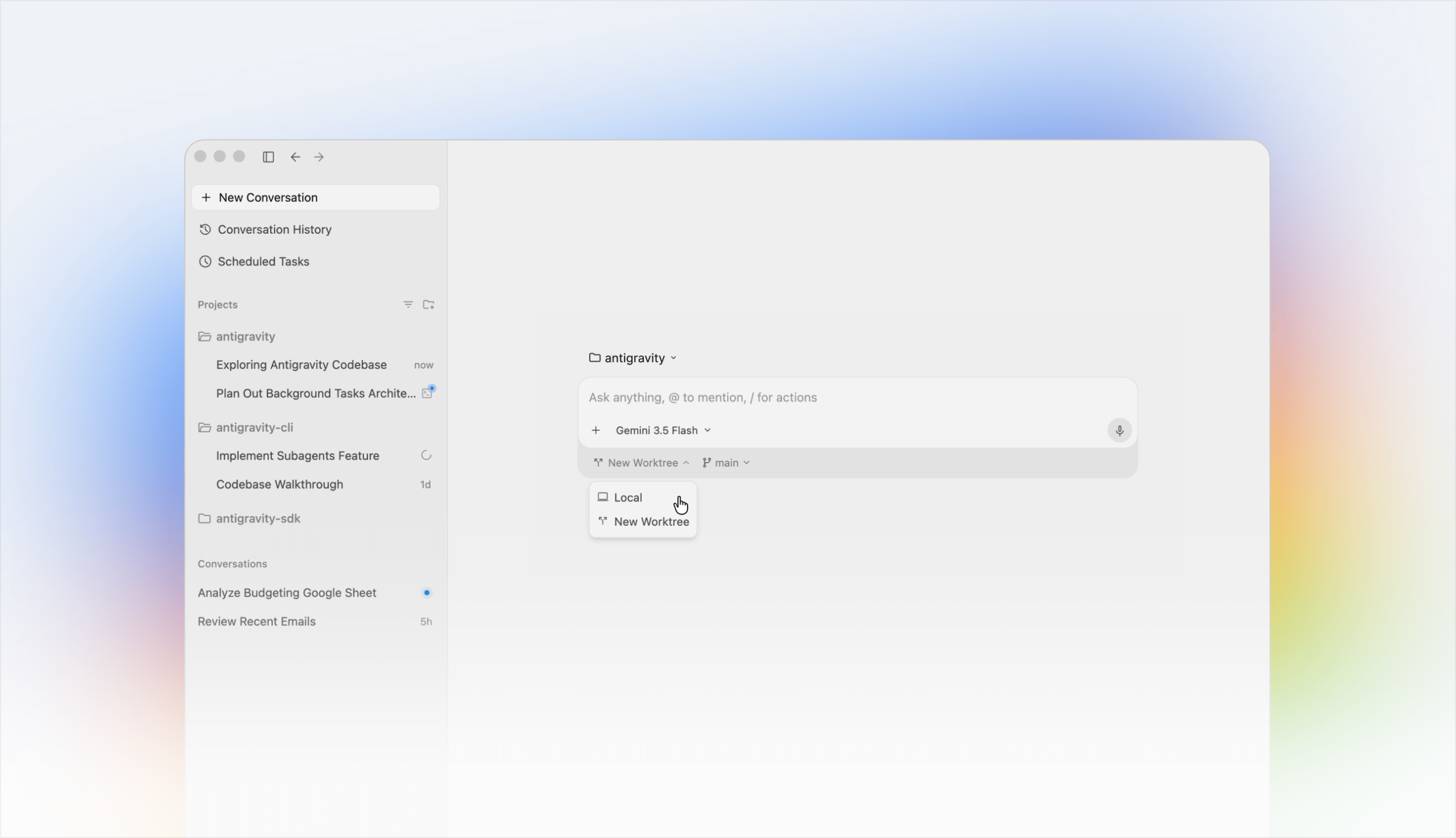
The Antigravity Universe: Four Tools, Four Use Cases
Google has divided Antigravity into four core components to provide the right interface for both developers at the code level and business users at the strategic level. Choosing the right tool depends primarily on your workflow and the complexity of the project:
1. Antigravity 2.0 (The Standalone Desktop App)
The absolute highlight of Google I/O. Antigravity 2.0 is no longer a traditional coding environment, but a standalone workspace for multi-agent orchestration. Here, you control highly autonomous AI agents using the “fire-and-forget” principle. You specify a final goal, and the app independently generates, coordinates, and monitors specialized sub-agents that work in parallel in the background.
When to use it? When you want to implement complex, multi-stage campaigns, automated data analysis, or cross-platform app and web projects without having to manually oversee every single step.
2. Antigravity IDE
The further development of the original version 1.x. It retains the classic UI layout (based on VS Code), supplemented by the intuitive division into an Editor View (for the code) and a Manager View (for agent control). Here, the human actively works “in the loop.”
Note that Google has already announced plans to phase out the Agent Manager.
When to use? Ideal for classic software development, fine-grained debugging, and collaborative, interactive code writing directly in the editor file.
3. Antigravity CLI (Command Line Interface)
The official successor to the old Gemini CLI. A lean, extremely high-performance terminal tool for text-based control.
When to use it? For developers and DevOps specialists who want to trigger agent workflows, analyze repositories, or run automation scripts via the terminal at lightning speed without a graphical interface.
4. Antigravity SDK (Software Development Kit)
The programmatic interface to the Google Agent infrastructure.
When to use it? When you want to integrate custom agent logic deeply into your own development infrastructure or software.
Deep Dive: Why Antigravity 2.0 Is Interesting for Marketers
Although Google demonstrated the asynchronous development of a complete operating system—including a clone of the game Doom —during the keynote, the real disruption for businesses lies in knowledge-based marketing. Together with Gemini 3.5 Flash (which also supports Claude models), the agents in Antigravity 2.0 operate in parallel and asynchronously.
For marketing managers and digital marketers, this results in groundbreaking advantages through three core features:
- Parallel Multi-Agent Execution: Forget sequential chatbot inputs. In Antigravity 2.0, you define a global campaign launch. While Agent A programs the landing page, Agent B analyzes the competition’s keywords in parallel, and Agent C generates the ad copy—all simultaneously in the same workspace.
- Asynchronous Workflow (“Fire-and-Forget”): Instead of sitting in front of the screen watching the AI type, Antigravity 2.0 works autonomously in the background. The marketer defines the goal, closes the app, or focuses on other tasks, and is notified as soon as the project is complete.
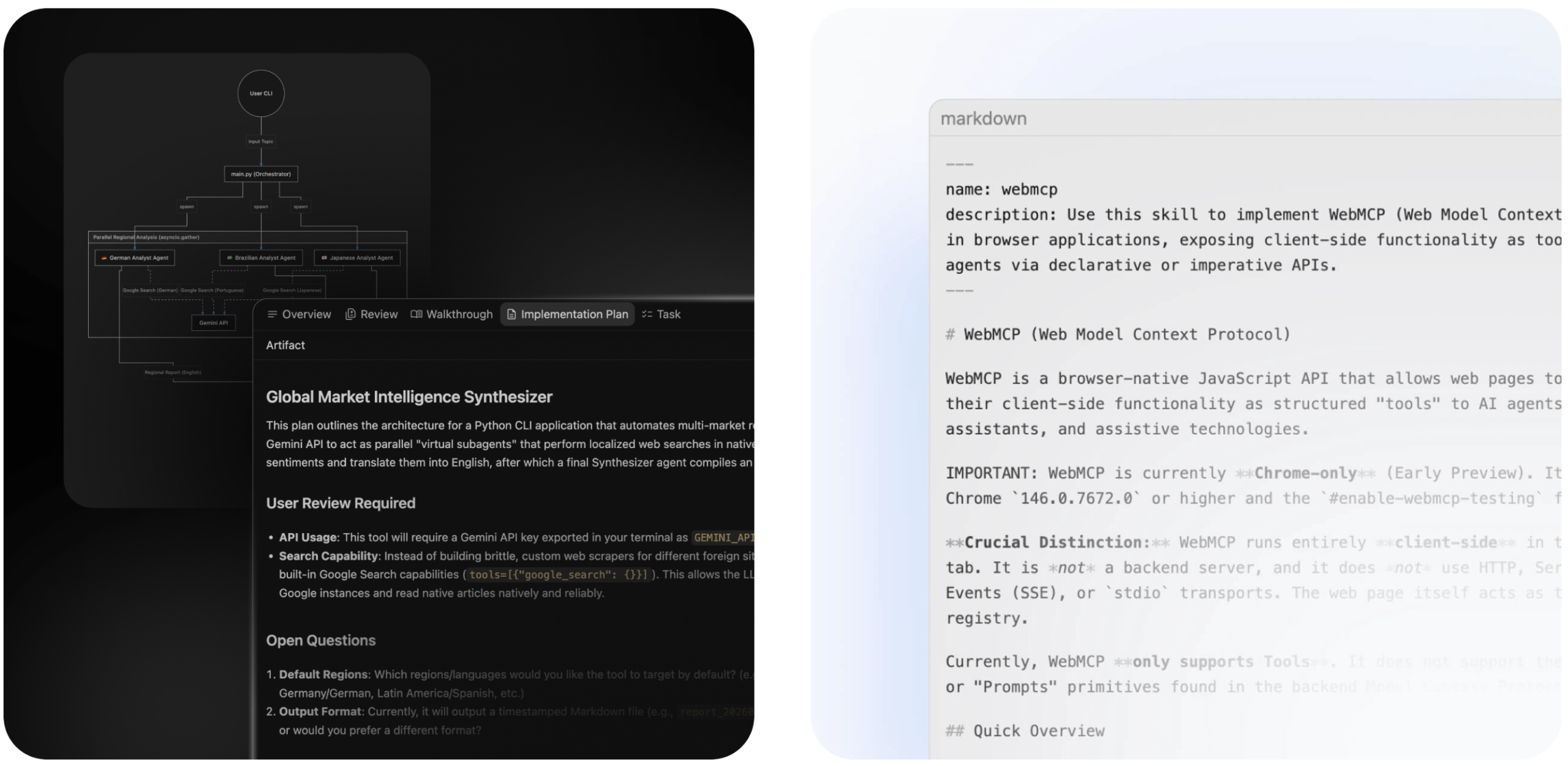
- Verifiable Artifacts: The agents don’t spit out confusing text. They create fully functional, isolated “artifacts,” whether they’re finished HTML/CSS structures, interactive (HTML/JS) dashboards, or structured CSV data exports. These can be validated and approved directly in a live preview.
Direct Comparison: Antigravity 2.0 vs. Claude Desktop (Cowork)
With the Cowork feature within the Claude Desktop app, Anthropic has also placed a strong focus on local agent automation. It also has an “Agent Teams” feature, though this is in beta and must be explicitly enabled. This allows me to create agent teams for my tasks.
A direct comparison actually shows that these two compete directly with each other and cover the same use cases. Initial tests have shown, however, that Antigravity 2.0 still has a few teething issues and benefits heavily from the Google ecosystem (Google Docs, Slides, etc.), while Claude Cowork already natively supports many connectors, such as those for the MS Office suite.
Feature | Google Antigravity 2.0 | Claude Desktop (Cowork Feature) |
Focus & Core Competency | Multi-agent orchestration, complex app & web development, parallel task handling. Extremely strong in technological execution. | Local desktop automation, deep data analysis (Excel/CSV), document structuring. Outstanding in concept generation & text quality. |
Architecture & Model | Independent “Agent-First” app optimized for the extreme speed of Gemini 3.5 Flash, but also supports Anthropic models. | Integrated “Cowork” tab within Claude Desktop; primarily utilizes high-end models such as Claude 4.5 Sonnet. |
Workflow | Asynchronous & Parallel: Automatically splits tasks into multiple sub-agents operating simultaneously. | (Still) Sequential: Processes tasks mostly step-by-step within an isolated, local virtual machine (VM). |
Target Audience | Tech and non-tech individuals | Tech and non-tech individuals |
Cost / Price | Free basic tier; Pro plan ($20/month). Newly introduced AI Ultra Tier ($100/month) for unlimited enterprise resources. | Mostly tied to the more expensive Claude Max subscription ($100–$200/month) to grant unrestricted agent access. |
Conclusion: Which tool will win out in the future?
With Antigravity 2.0, Google has impressively demonstrated that the future of generative AI no longer lies in the simple “prompt and response” model, but in the autonomous orchestration of entire workflows. While Claude Desktop (Cowork) remains the perfect choice for in-depth text work, complex data structuring, and sequential local office automation, Antigravity 2.0 positions itself as the ultimate high-speed machine for parallel, technical projects.
For modern marketing teams, this means: Those who learn today to use Antigravity 2.0 as a “digital conductor” for web assets, landing pages, and campaign code will scale their output speed many times over.
As always, the rule is: Don’t focus on the tool first, but rather on your pain points and use cases.